Chapter 6 Network Reconnaissance
For diagrams, tables, or exact code formatting, .
Save, commit, annotate, and push the change to the remote branch.
Navigate to /playbooks/campus/tactical/ and create a new file called ios_facts.yml.
Write the following Ansible playbook: * Note *: For page space and readability the output path is simply going to be “./results” for all output in the examples to follow. Replace this with the longer path pointing to the “Documentation” folder structure created earlier. For example “../documentation/ios/recon_playbooks/ios_facts/”.
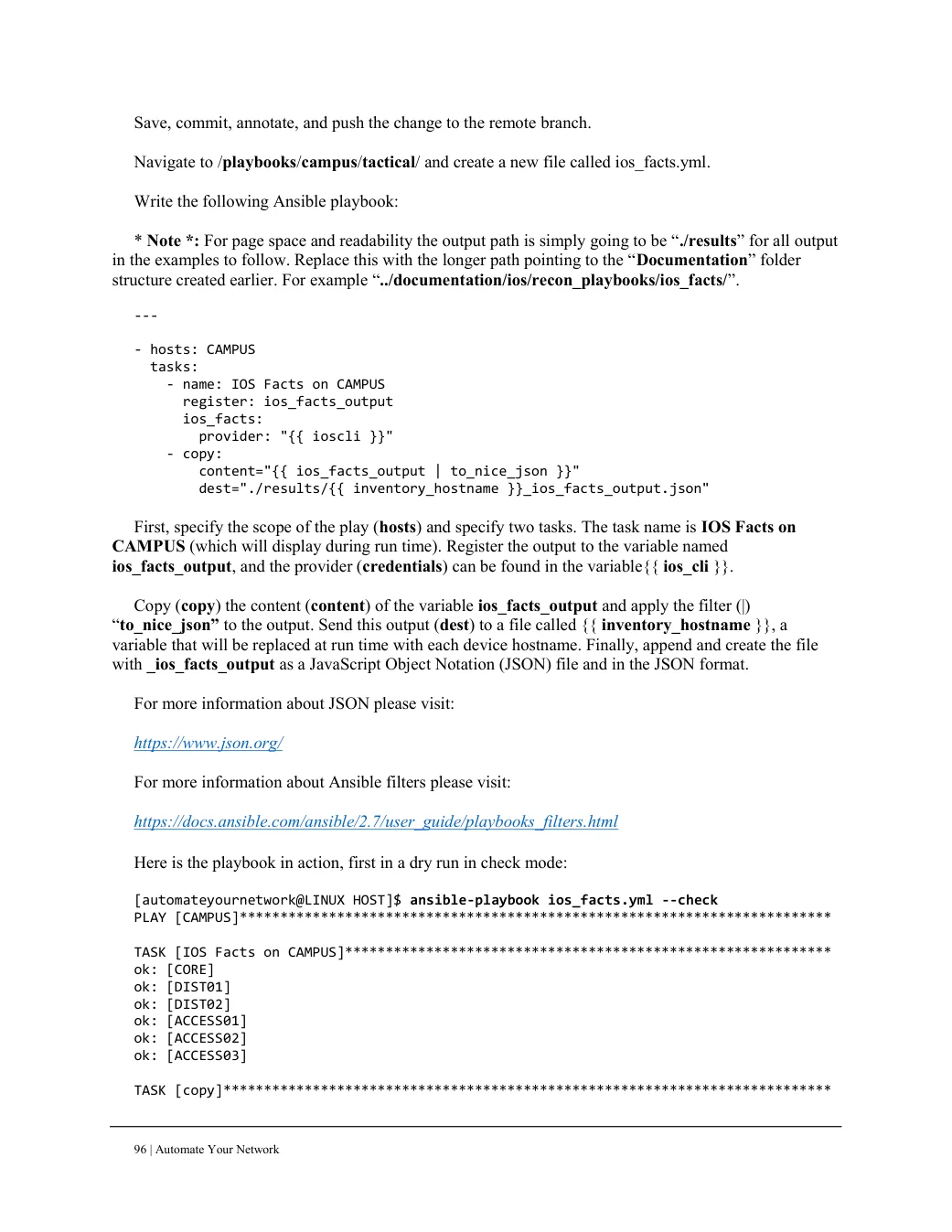
--- - hosts: CAMPUS tasks: - name: IOS Facts on CAMPUS register: ios_facts_output ios_facts: provider: "{{ ioscli }}" - copy: content="{{ ios_facts_output | to_nice_json }}" dest="./results/{{ inventory_hostname }}_ios_facts_output.json" First, specify the scope of the play (hosts) and specify two tasks. The task name is IOS Facts on CAMPUS (which will display during run time). Register the output to the variable named ios_facts_output, and the provider (credentials) can be found in the variable{{ ios_cli }}.
Copy (copy) the content (content) of the variable ios_facts_output and apply the filter (|) “to_nice_json” to the output. Send this output (dest) to a file called {{ inventory_hostname }}, a variable that will be replaced at run time with each device hostname. Finally, append and create the file with _ios_facts_output as a JavaScript Object Notation (JSON) file and in the JSON format.
For more information about JSON please visit:

https://www.json.org/

For more information about Ansible filters please visit:

https://docs.ansible.com/ansible/2.7/user_guide/playbooks_filters.html

Here is the playbook in action, first in a dry run in check mode:

[automateyournetwork@LINUX HOST]$ ansible-playbook ios_facts.yml --check
PLAY [CAMPUS]*************************************************************************

TASK [IOS Facts on CAMPUS]************************************************************
ok: [CORE]
ok: [DIST01]
ok: [DIST02]
ok: [ACCESS01]
ok: [ACCESS02]
ok: [ACCESS03]

TASK [copy]***************************************************************************