Chapter 11 Continuous Integration / Continuous Delivery
For diagrams, tables, or exact code formatting, .
Determine the cadence of automated releases as well as what constitutes changes that are approved for a regular automated release cycle.
Unlike software or applications whose impact is localized to a specific application or piece of software the impact to automated network changes has a significantly larger blast radius. The closer to the network core (moving from access, and distribution, the WAN, the data center, or the DMZ) the more significant an automated change’s damage can be to the network.
Some pre-approved, non-impactful, changes should be bundled into an hourly or daily release. For example:
Changing access ports. Adding common features like new VLANs, port-channels, SVIs, routes, or other functions at the access and distribution layers. Changes that impact the core or that cause a known outage or impact to the performance of the network should be scheduled as their own special release and should be released during an approved change window.
In terms of the NDLC, ideally, we want to release assembled-configure-campus.yml on a daily, hourly, or weekly basis. This should be triggered in TFS after the automated build, documentation, and testing, has been performed passing all quality checks built into the pipeline. The automated release is then updated to reflect the new build and is released to production on the pre-determined schedule. Putty starts to collect dust as the only reason anyone needs to connect to the CLI is to troubleshoot problems on occasion. Otherwise the enterprise network has been completely automated.
The steps to create an automated release are very similar to creating an automated deployment or automated test. Create the new release definition and add the Ansible playbook, and any other automated tasks, in sequence, then configure scheduling.
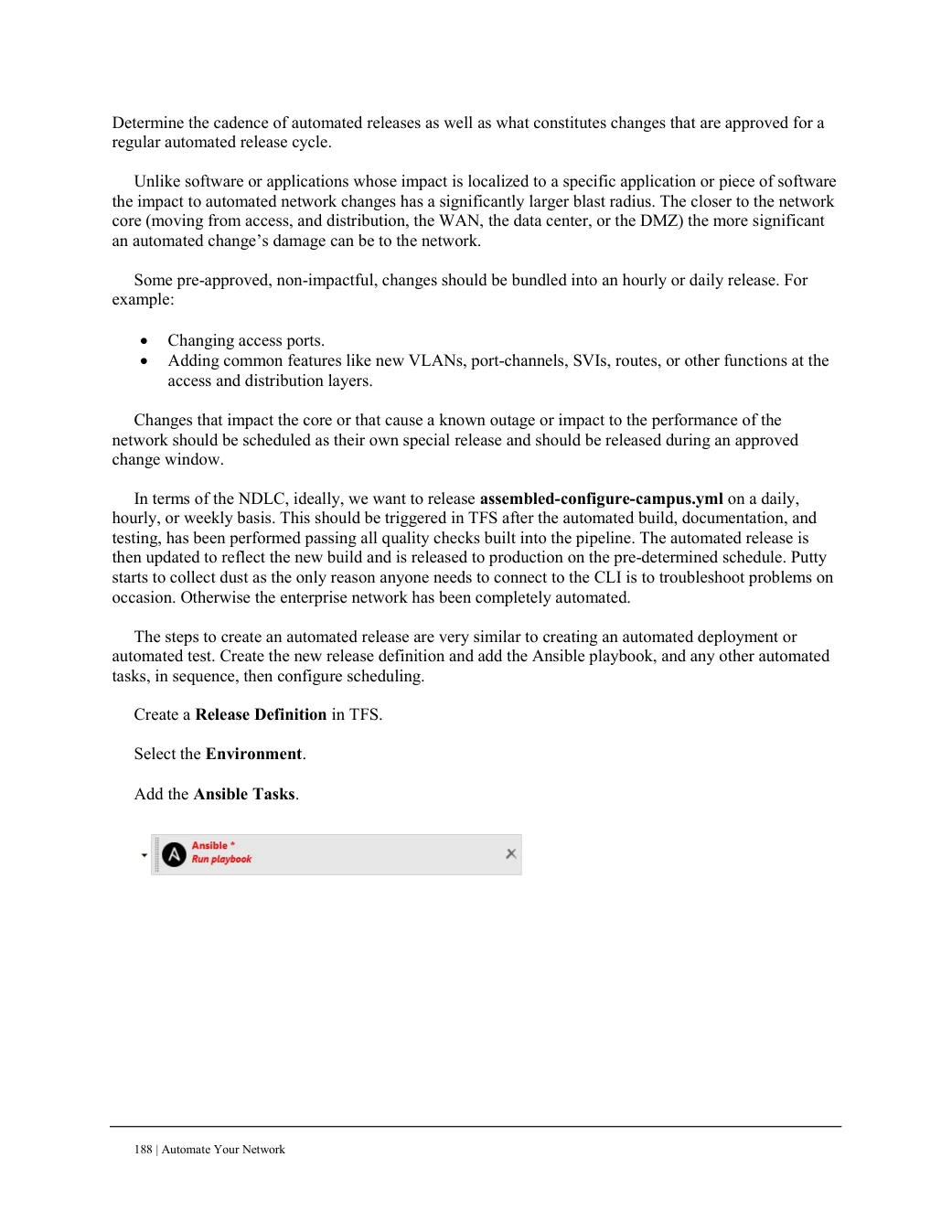
Create a Release Definition in TFS. Select the Environment. Add the Ansible Tasks.