Chapter 3 How to Automate the Network?
For diagrams, tables, or exact code formatting, .
o Delete files.
Stage changes:
o git add o VS Code GUI to save local changes.
Commit changes:
o git commit o Using VS Code GUI. o Add meaningful comment to the commit. o Commit is referenced and available in TFS and VS Code.
Push changes:
o git push o VS Code synchronization. o This finalizes the commit and pushes the files into the central repository.
Pull request:
o A pull request in TFS is created to merge the working branch into the master branch. o A full workflow can accompany this pull request that could require reviewers and approvals.
Version and change control:
o All changes can be referred to by their pull request. o Each pull request comprised of Git commits. o Complete history of changes to all files available through TFS. o Easy roll-backs. o Easy troubleshooting problematic changes.
Microsoft TFS Central Repository Features Microsoft TFS is much more than a centralized repository for the code. It is a full development ecosystem enabling cross-team collaboration, as well as version and source control. TFS also acts as a GUI for Git and automates software builds, testing and releases.
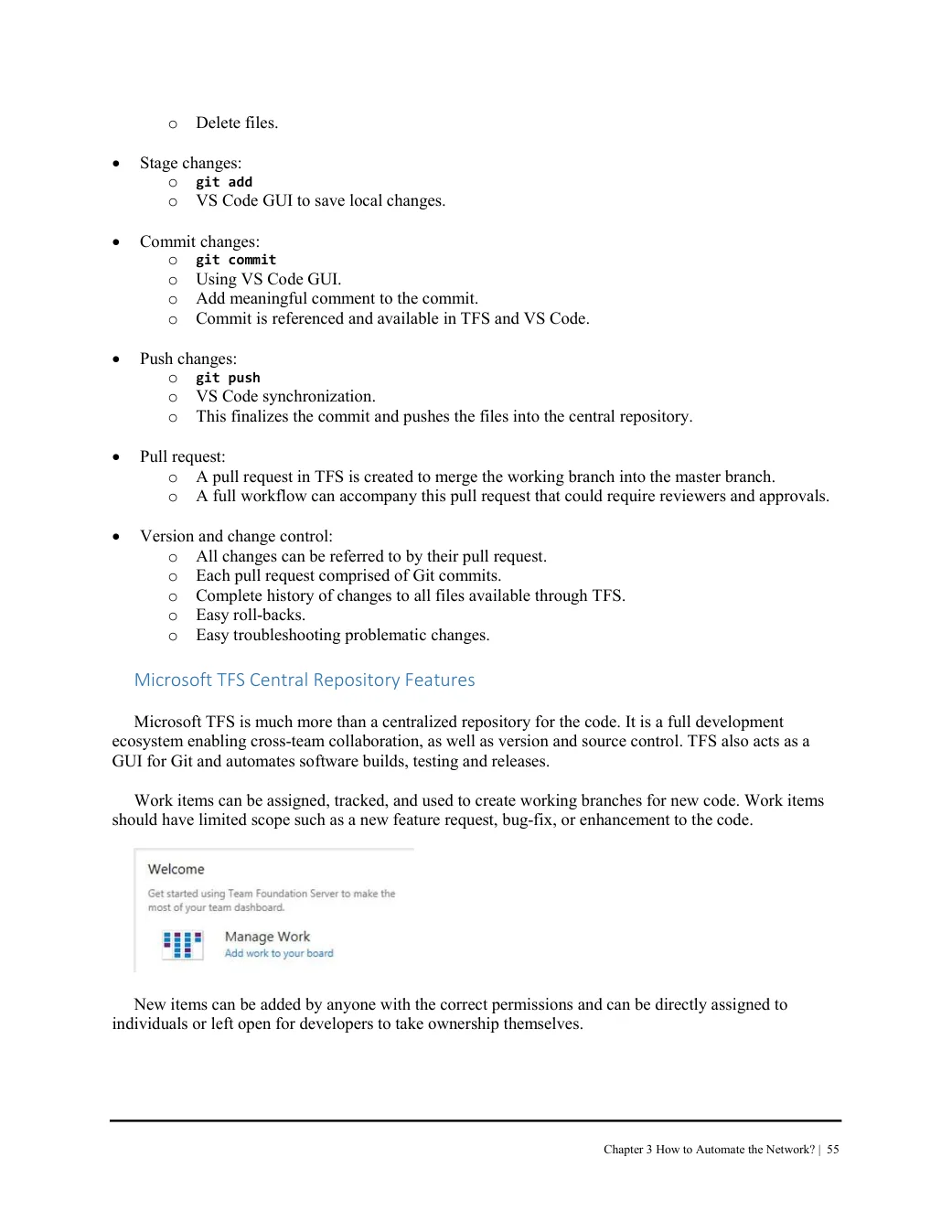
Work items can be assigned, tracked, and used to create working branches for new code. Work items should have limited scope such as a new feature request, bug-fix, or enhancement to the code.
New items can be added by anyone with the correct permissions and can be directly assigned to individuals or left open for developers to take ownership themselves.