Chapter 4 Where to Start with Network Automation?
For diagrams, tables, or exact code formatting, .
playbooks, while the network engineers continue to write logical templates and potentially more complex, or new, data models.
Build Repository Folder Structure The first step in building the automation ecosystem is setting up the first TFS repository for the selected environment the organization has decided to automate. The repository is the foundation for the NDLC and the source of truth, so it is very important to create a structure that scales and imposes rigid standards. RBAC should be configured limiting access to the code base as appropriate.
Distribute the link to the network developers once the security and workflows are in place. Create the first branch - the master branch - which includes the base folder structure and inventory hosts.ini file. A recommended folder structure is covered in Chapter 5. Lock the master branch once populated.
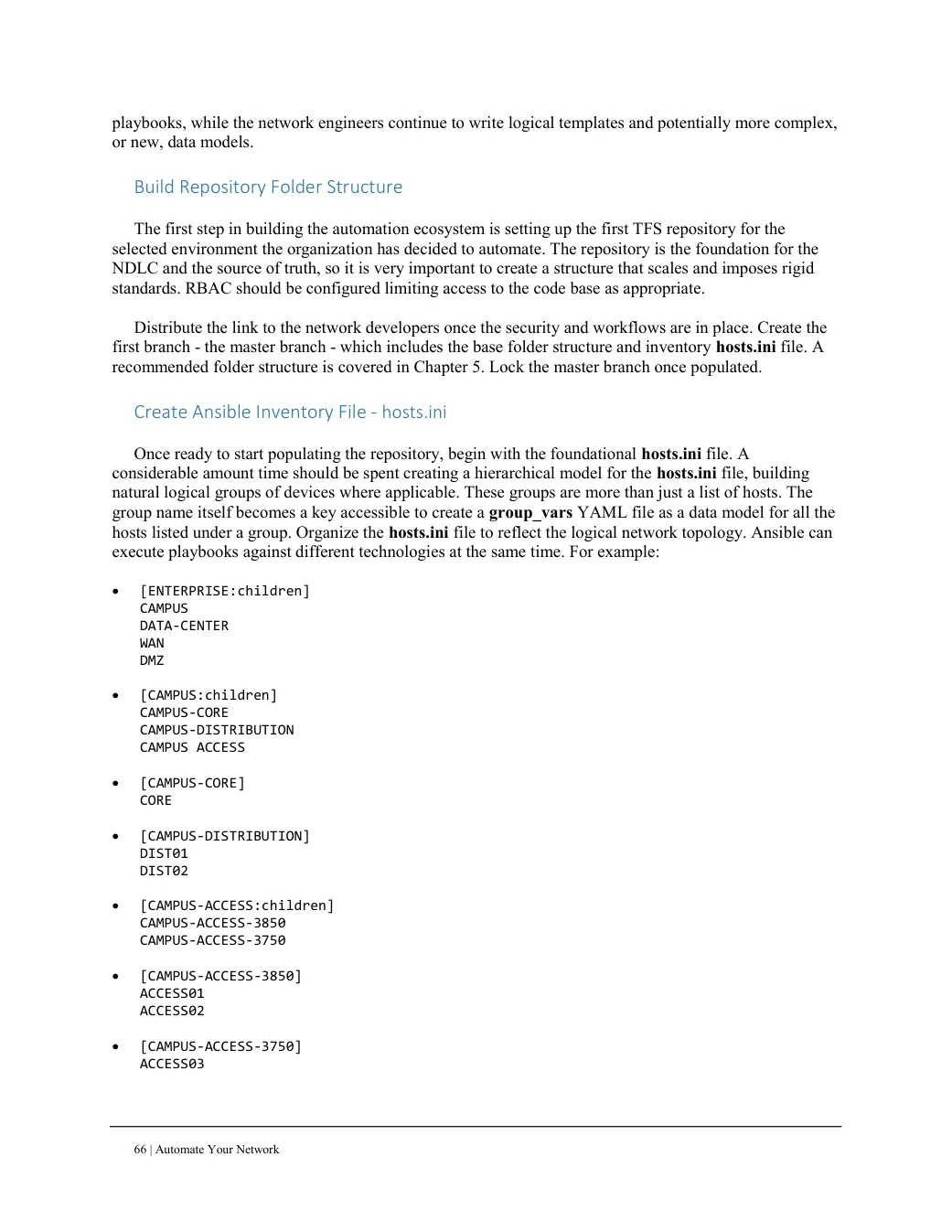
Create Ansible Inventory File - hosts.ini Once ready to start populating the repository, begin with the foundational hosts.ini file. A considerable amount time should be spent creating a hierarchical model for the hosts.ini file, building natural logical groups of devices where applicable. These groups are more than just a list of hosts. The group name itself becomes a key accessible to create a group_vars YAML file as a data model for all the hosts listed under a group. Organize the hosts.ini file to reflect the logical network topology. Ansible can execute playbooks against different technologies at the same time. For example:
[ENTERPRISE:children]
CAMPUS
DATA-CENTER
WAN
DMZ
[CAMPUS:children]
CAMPUS-CORE
CAMPUS-DISTRIBUTION
CAMPUS ACCESS
[CAMPUS-CORE]
CORE
[CAMPUS-DISTRIBUTION]
DIST01
DIST02
[CAMPUS-ACCESS:children]
CAMPUS-ACCESS-3850
CAMPUS-ACCESS-3750
[CAMPUS-ACCESS-3850]
ACCESS01
ACCESS02
[CAMPUS-ACCESS-3750]
ACCESS03