Chapter 6 Network Reconnaissance
For diagrams, tables, or exact code formatting, .
JOHN W. CAPOBIANCOPRINTED PAGE 98
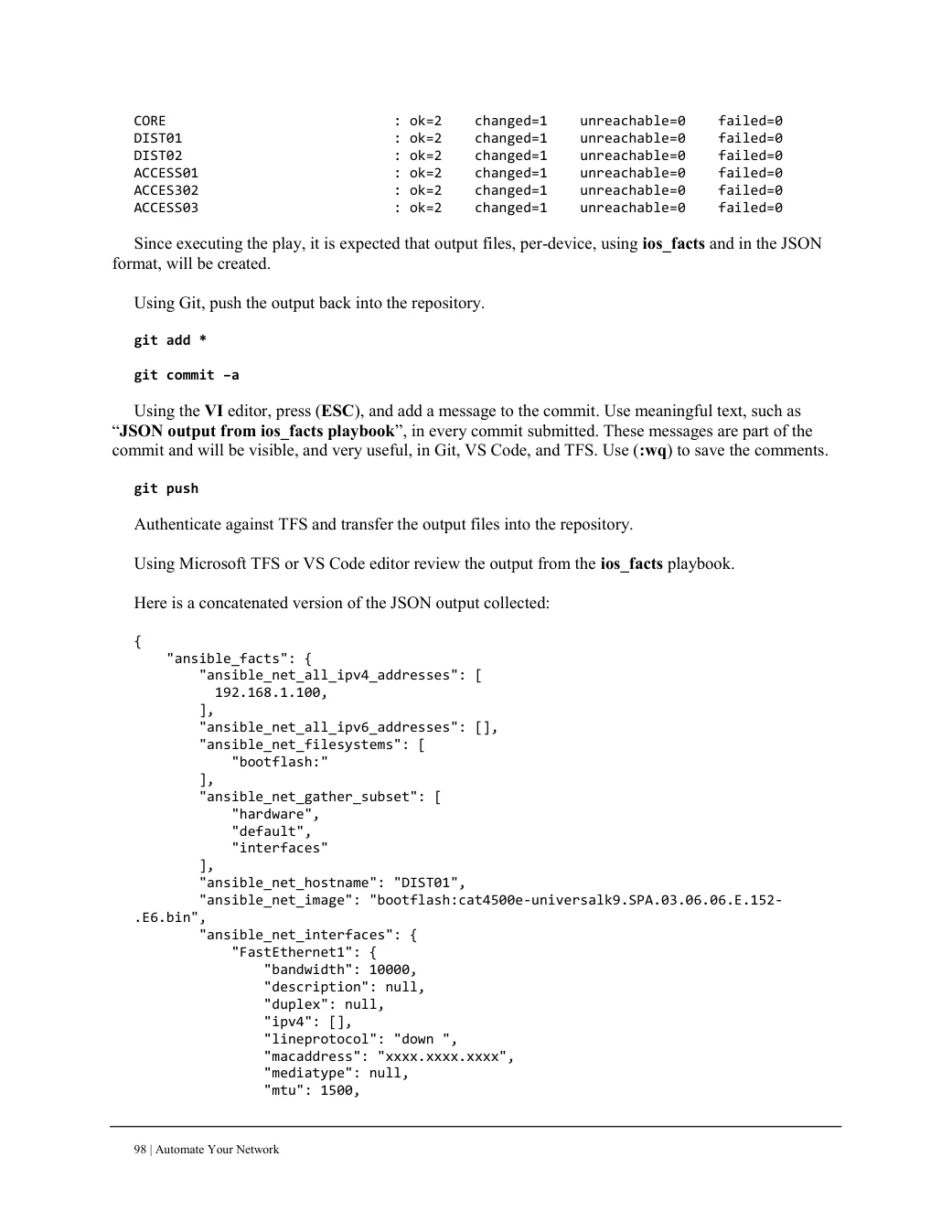
CORE                            : ok=2    changed=1    unreachable=0    failed=0
DIST01                          : ok=2    changed=1    unreachable=0    failed=0
DIST02                          : ok=2    changed=1    unreachable=0    failed=0
ACCESS01                        : ok=2    changed=1    unreachable=0    failed=0
ACCES302                        : ok=2    changed=1    unreachable=0    failed=0
ACCESS03                        : ok=2    changed=1    unreachable=0    failed=0

Since executing the play, it is expected that output files, per-device, using ios_facts and in the JSON
format, will be created.
Using Git, push the output back into the repository. git add * git commit –a Using the VI editor, press (ESC), and add a message to the commit. Use meaningful text, such as “JSON output from ios_facts playbook”, in every commit submitted. These messages are part of the commit and will be visible, and very useful, in Git, VS Code, and TFS. Use (:wq) to save the comments.
git push

Authenticate against TFS and transfer the output files into the repository.

Using Microsoft TFS or VS Code editor review the output from the ios_facts playbook.

Here is a concatenated version of the JSON output collected:

{
    "ansible_facts": {
        "ansible_net_all_ipv4_addresses": [
          192.168.1.100,
        ],
        "ansible_net_all_ipv6_addresses": [],
        "ansible_net_filesystems": [
            "bootflash:"
        ],
        "ansible_net_gather_subset": [
            "hardware",
            "default",
            "interfaces"
        ],
        "ansible_net_hostname": "DIST01",
        "ansible_net_image": "bootflash:cat4500e-universalk9.SPA.03.06.06.E.152-
.E6.bin",
        "ansible_net_interfaces": {
            "FastEthernet1": {
                "bandwidth": 10000,
                "description": null,
                "duplex": null,
                "ipv4": [],
                "lineprotocol": "down ",
                "macaddress": "xxxx.xxxx.xxxx",
                "mediatype": null,
                "mtu": 1500,