Chapter 6 Network Reconnaissance
For diagrams, tables, or exact code formatting, .
JOHN W. CAPOBIANCOPRINTED PAGE 100
"mtu": 1500,
                "operstatus": "up",
                "type": "Ten Gigabit Ethernet Port"
            },
            "Vlan1301": {
                "bandwidth": 1000000,
                "description": "BLUE_OPZone",
                "duplex": null,
                "ipv4": [
                    {
                        "address": "10.10.100.1",
                        "subnet": "24"
                    }
                ],
                "lineprotocol": "up ",
                "macaddress": "xxxx.xxxx.xxxx",
                "mediatype": null,
                "mtu": 1500,
                "operstatus": "up",
                "type": "Ethernet SVI"
            },
        "ansible_net_model": "WS-C4500X-16",
        "ansible_net_serialnum": "XXXXXXXXXX",
        "ansible_net_version": "03.06.06.E"
    },
    "changed": false,
    "failed": false,     ]
}

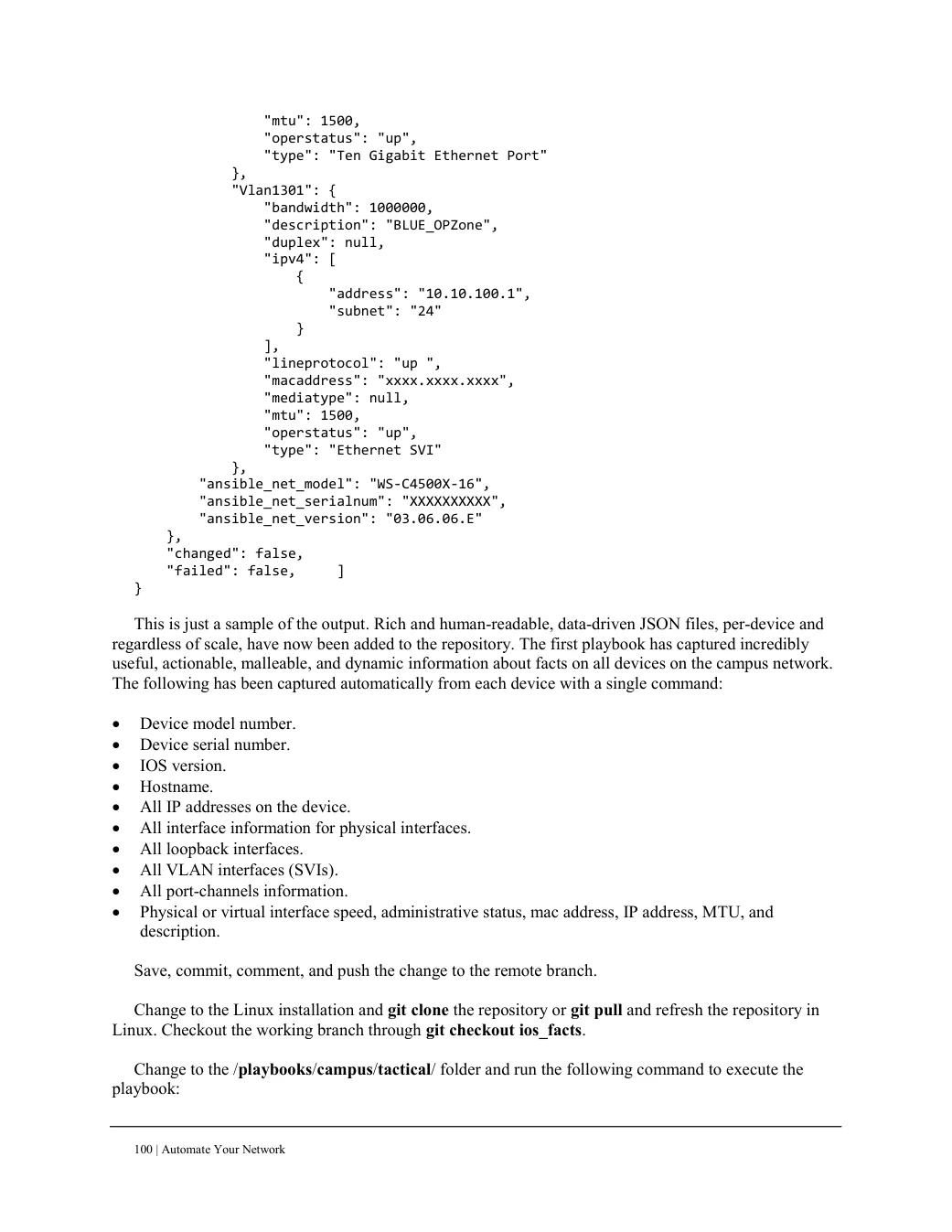
This is just a sample of the output. Rich and human-readable, data-driven JSON files, per-device and
regardless of scale, have now been added to the repository. The first playbook has captured incredibly
useful, actionable, malleable, and dynamic information about facts on all devices on the campus network.
The following has been captured automatically from each device with a single command: Device model number. Device serial number. IOS version. Hostname. All IP addresses on the device. All interface information for physical interfaces. All loopback interfaces. All VLAN interfaces (SVIs). All port-channels information. Physical or virtual interface speed, administrative status, mac address, IP address, MTU, and description.
Save, commit, comment, and push the change to the remote branch. Change to the Linux installation and git clone the repository or git pull and refresh the repository in Linux. Checkout the working branch through git checkout ios_facts.
Change to the /playbooks/campus/tactical/ folder and run the following command to execute the playbook: