Chapter 7 Tactical Playbooks
For diagrams, tables, or exact code formatting, .
ansible-playbook network_change.yml --check –v
Execute Playbook After performing a dry run in check mode and validating that the intent is reflected in the output, execute the playbook and automate the network changes. Remove the check mode option and re-run the playbook. Verbosity can be enabled to provide a similar view as check mode with the detailed output of each task in the playbook and how it is executed.
ansible-playbook network_change.yml -v Regather Information Recollect the information about the new state of the network post-change. This output can be compared to the pre-change output to validate the success of the change and the impact the change may have on routing tables or other information on the network.
Starting Small With risk mitigation in mind, start small. Change something like an interface description or add a VLAN to a lab machine. Explore this new process for making changes by gathering evidence of its success. Lower the fear factor and raise comfort levels with a few relatively safe and small changes.
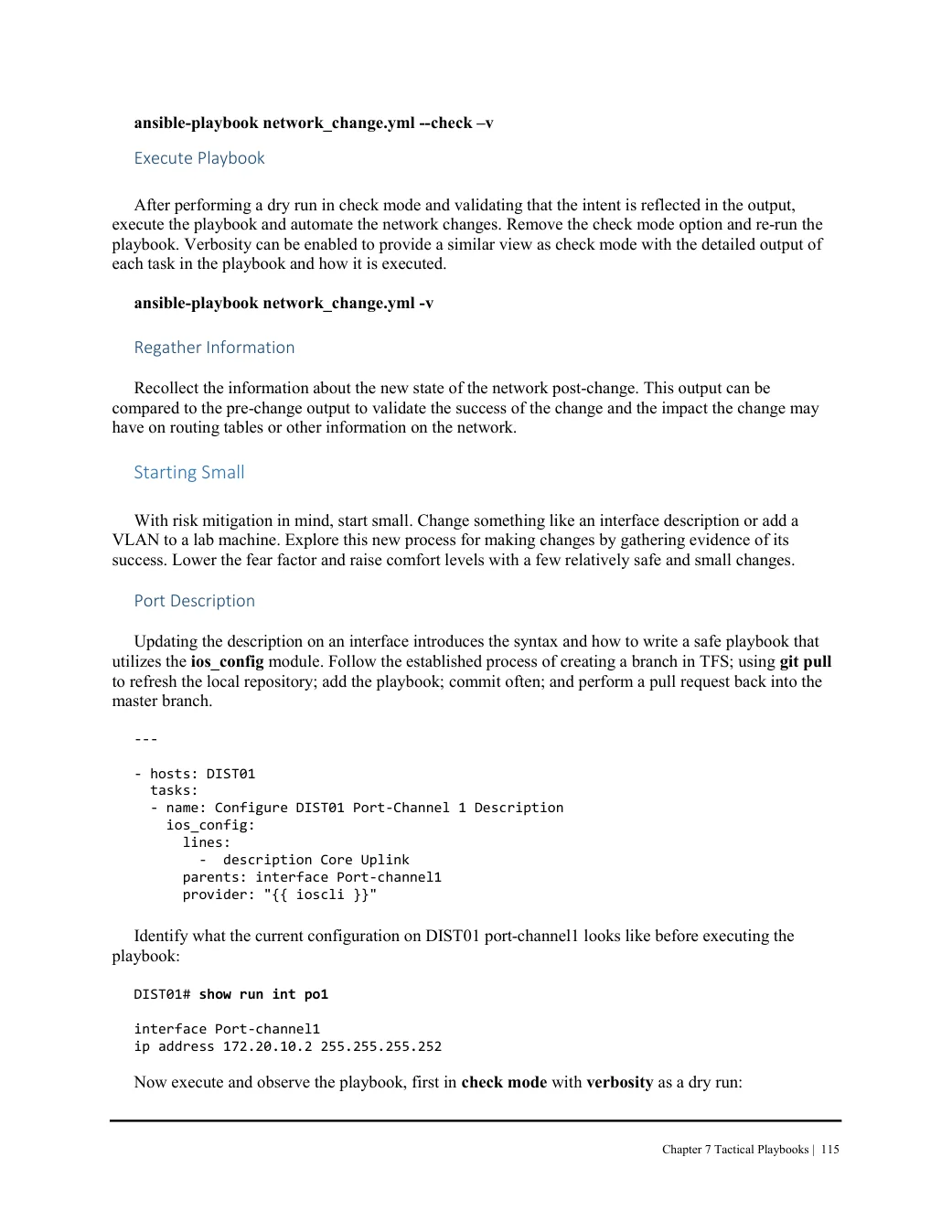
Port Description Updating the description on an interface introduces the syntax and how to write a safe playbook that utilizes the ios_config module. Follow the established process of creating a branch in TFS; using git pull to refresh the local repository; add the playbook; commit often; and perform a pull request back into the master branch.
---

- hosts: DIST01
  tasks:
  - name: Configure DIST01 Port-Channel 1 Description
    ios_config:
      lines:
        -  description Core Uplink
      parents: interface Port-channel1
      provider: "{{ ioscli }}"

Identify what the current configuration on DIST01 port-channel1 looks like before executing the
playbook:
DIST01# show run int po1 interface Port-channel1 ip address 172.20.10.2 255.255.255.252 Now execute and observe the playbook, first in check mode with verbosity as a dry run: