Chapter 7 Tactical Playbooks
For diagrams, tables, or exact code formatting, .
[automateyournetwork@LINUX]$ ansible-playbook portchannel_description.yml –check -v

Using /home/automateyournetwork/Lab-
Infrastructure/playbooks/campus/tactical/ansible.cfg as config file
PLAY [DIST01]*************************************************************************
TASK [Configure DIST01 Port-Channel 1 Description] ***********************************
changed: [DIST01] => {"banners": {}, "changed": true, "commands": ["interface Port-
channel1", "description Core Uplink"], "updates": ["interface Port-channel1",
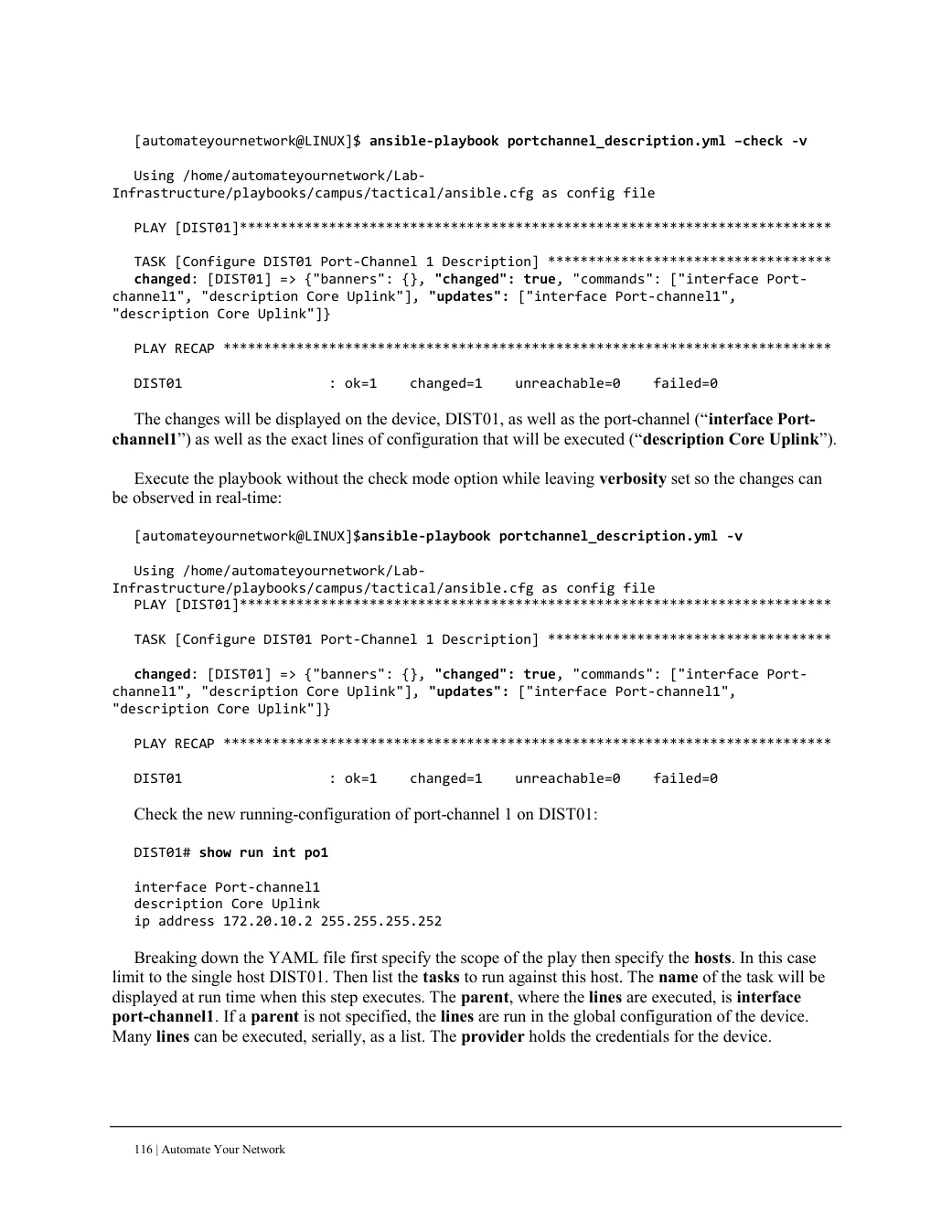
"description Core Uplink"]}PLAY RECAP *************************************************************************** DIST01 : ok=1 changed=1 unreachable=0 failed=0 The changes will be displayed on the device, DIST01, as well as the port-channel (“interface Port- channel1”) as well as the exact lines of configuration that will be executed (“description Core Uplink”).
Execute the playbook without the check mode option while leaving verbosity set so the changes can be observed in real-time:
[automateyournetwork@LINUX]$ansible-playbook portchannel_description.yml -v

Using /home/automateyournetwork/Lab-
Infrastructure/playbooks/campus/tactical/ansible.cfg as config file
PLAY [DIST01]*************************************************************************
TASK [Configure DIST01 Port-Channel 1 Description] ***********************************
changed: [DIST01] => {"banners": {}, "changed": true, "commands": ["interface Port-
channel1", "description Core Uplink"], "updates": ["interface Port-channel1",
"description Core Uplink"]}PLAY RECAP *************************************************************************** DIST01 : ok=1 changed=1 unreachable=0 failed=0 Check the new running-configuration of port-channel 1 on DIST01: DIST01# show run int po1 interface Port-channel1 description Core Uplink ip address 172.20.10.2 255.255.255.252 Breaking down the YAML file first specify the scope of the play then specify the hosts. In this case limit to the single host DIST01. Then list the tasks to run against this host. The name of the task will be displayed at run time when this step executes. The parent, where the lines are executed, is interface port-channel1. If a parent is not specified, the lines are run in the global configuration of the device. Many lines can be executed, serially, as a list. The provider holds the credentials for the device.