Chapter 7 Tactical Playbooks
For diagrams, tables, or exact code formatting, .
JOHN W. CAPOBIANCOPRINTED PAGE 120
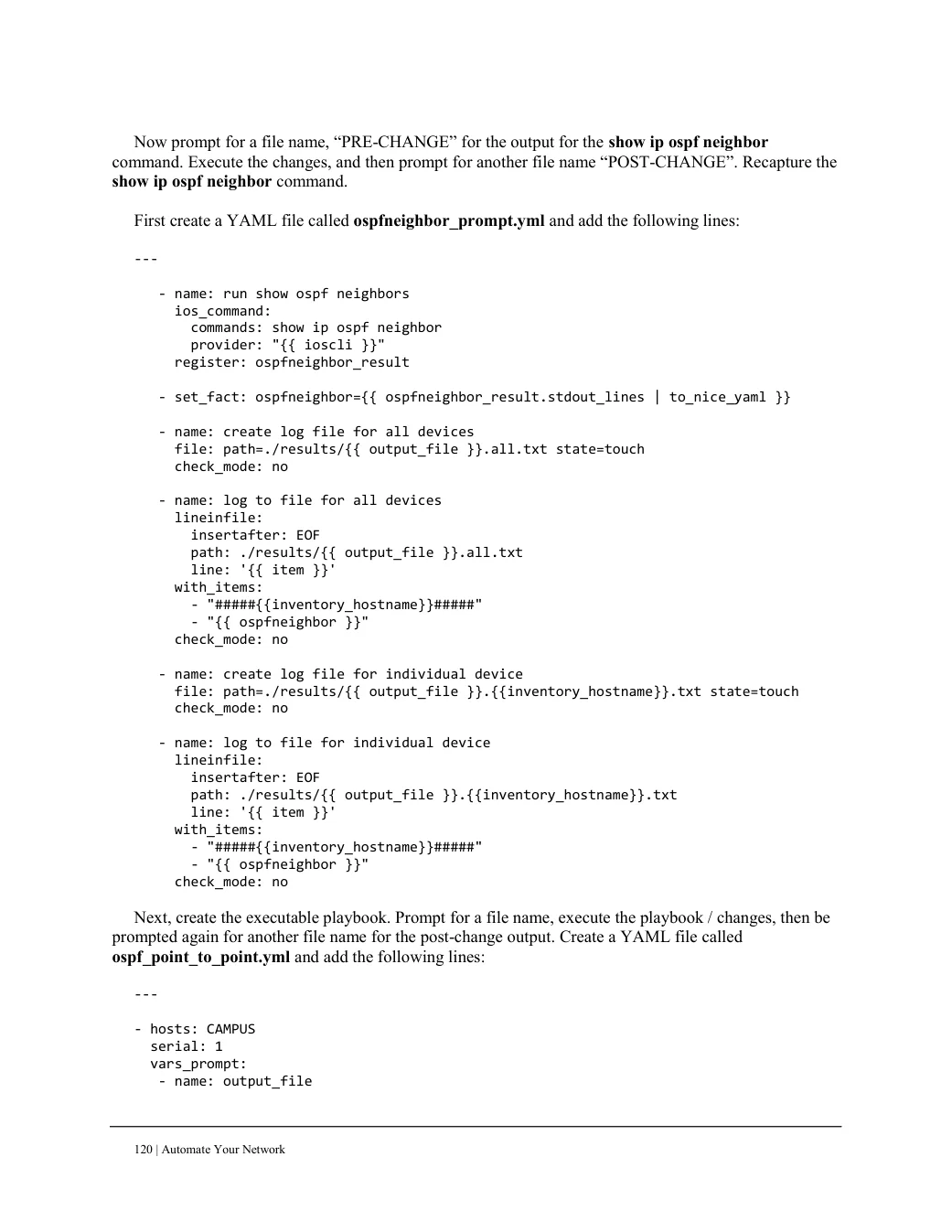
Now prompt for a file name, “PRE-CHANGE” for the output for the show ip ospf neighbor command. Execute the changes, and then prompt for another file name “POST-CHANGE”. Recapture the show ip ospf neighbor command.
First create a YAML file called ospfneighbor_prompt.yml and add the following lines:

---

   - name: run show ospf neighbors
     ios_command:
       commands: show ip ospf neighbor
       provider: "{{ ioscli }}"
     register: ospfneighbor_result

   - set_fact: ospfneighbor={{ ospfneighbor_result.stdout_lines | to_nice_yaml }}

   - name: create log file for all devices
     file: path=./results/{{ output_file }}.all.txt state=touch
     check_mode: no

   - name: log to file for all devices
     lineinfile:
       insertafter: EOF
       path: ./results/{{ output_file }}.all.txt
       line: '{{ item }}'
     with_items:
       - "#####{{inventory_hostname}}#####"
       - "{{ ospfneighbor }}"
     check_mode: no

   - name: create log file for individual device
     file: path=./results/{{ output_file }}.{{inventory_hostname}}.txt state=touch
     check_mode: no

   - name: log to file for individual device
     lineinfile:
       insertafter: EOF
       path: ./results/{{ output_file }}.{{inventory_hostname}}.txt
       line: '{{ item }}'
     with_items:
       - "#####{{inventory_hostname}}#####"
       - "{{ ospfneighbor }}"
     check_mode: no

Next, create the executable playbook. Prompt for a file name, execute the playbook / changes, then be
prompted again for another file name for the post-change output. Create a YAML file called
ospf_point_to_point.yml and add the following lines:
---
- hosts: CAMPUS
serial: 1
vars_prompt:
- name: output_file